
A poison that protects
The lily of the valley is poisonous, yet its flower language is “the return of happiness.” I chose to see that poison not as a force that harms others, but as a way to protect myself.
BLOOMSOFT INDEPENDENT SOFTWARE STUDIO
A new bloom for me, and for us.
Turning everyday inconveniences—our own and the people close to us—into tools that feel easier to use.
Protect yourself. Bloom again.
“Bloom” means to flower again. I wanted to help myself, and the people who use my apps, bloom again in our own ways.
The lily of the valley is poisonous, yet its flower language is “the return of happiness.” I chose to see that poison not as a force that harms others, but as a way to protect myself.
I left the top of the arch intentionally open. Like a greenhouse, like a window, it is a safe boundary: you can look out, step out, and come back whenever you like.
Each app began with a different everyday frustration—from people close to me, or from my own life.
BloomNote
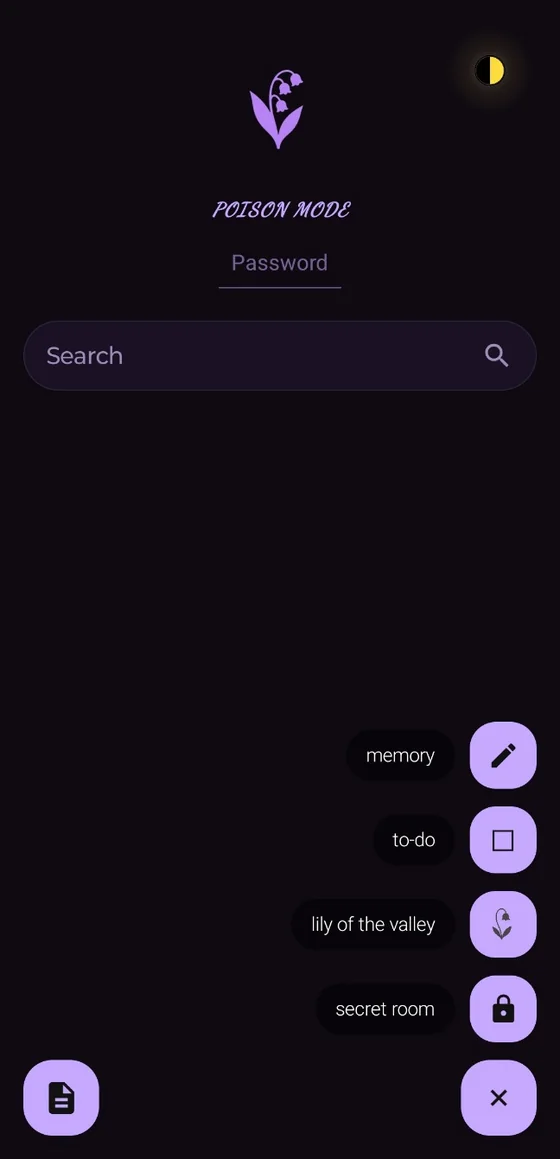
Everyday notes, secret notes, sticker widgets. I wanted my favorite features in one place.
At first, I wanted to bring all the note features I liked into one app: everyday notes, secret notes, sticker widgets. Then I wanted a private space for feelings that are hard to share with anyone. That is how Poison Mode, watched over by the lily of the valley, came to be.
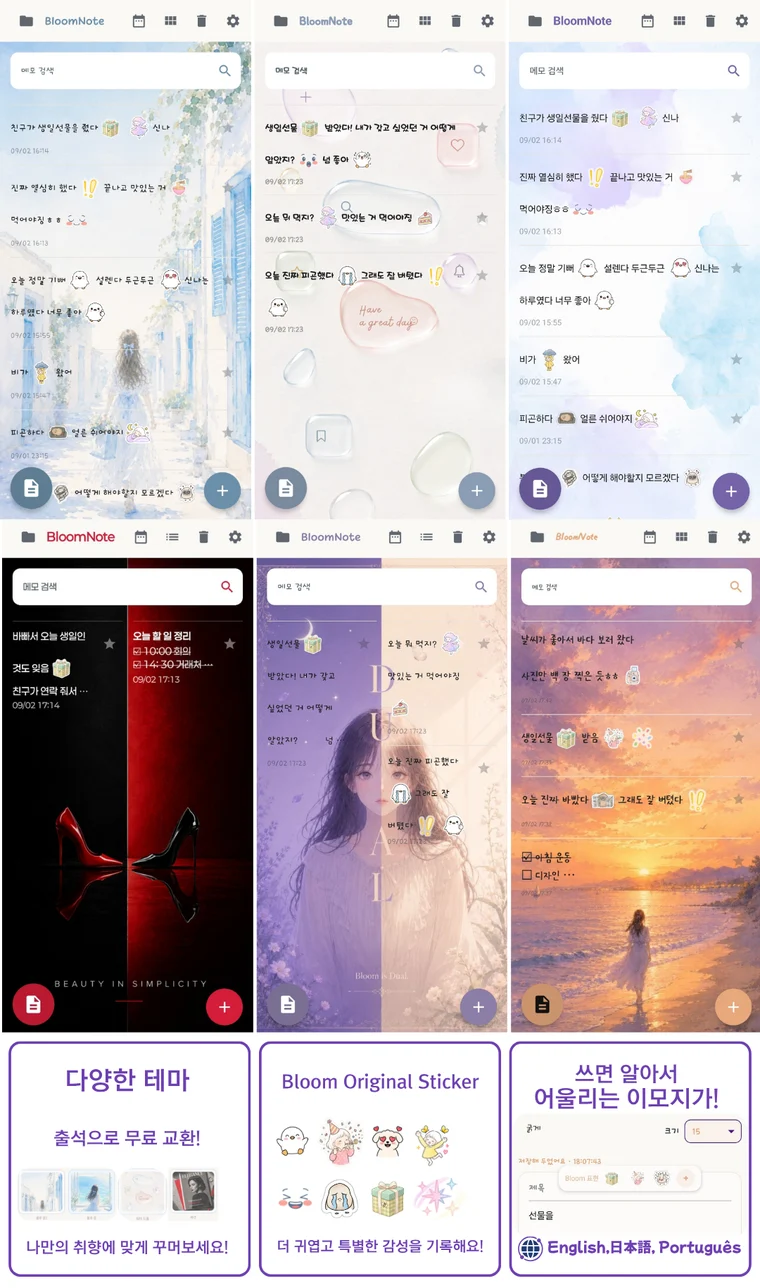
Six themes with stickers
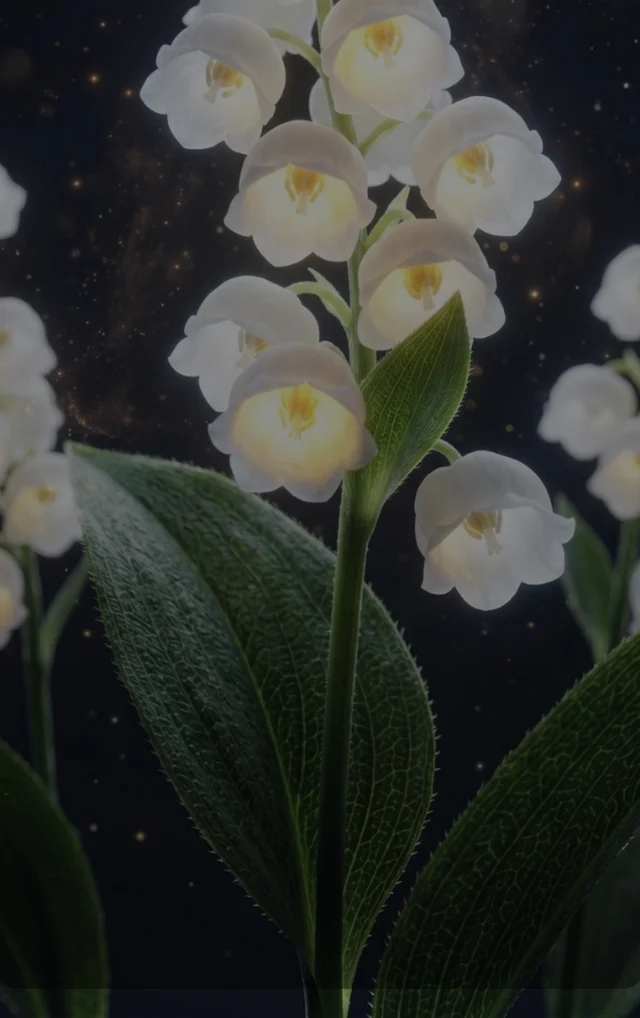

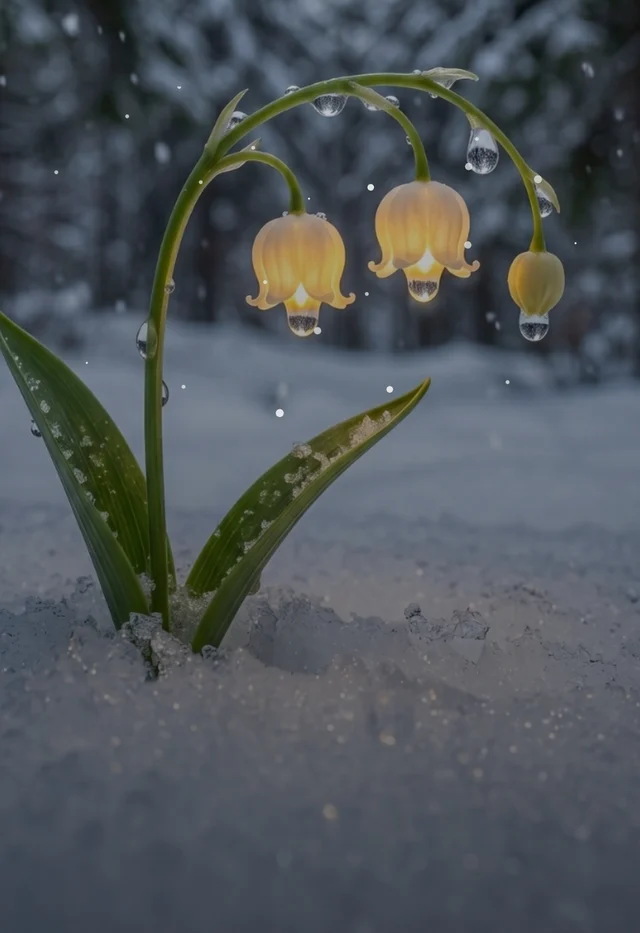
Inside the lily of the valley, the background changes with the feelings you write—and rain or snow falls.

Folbi
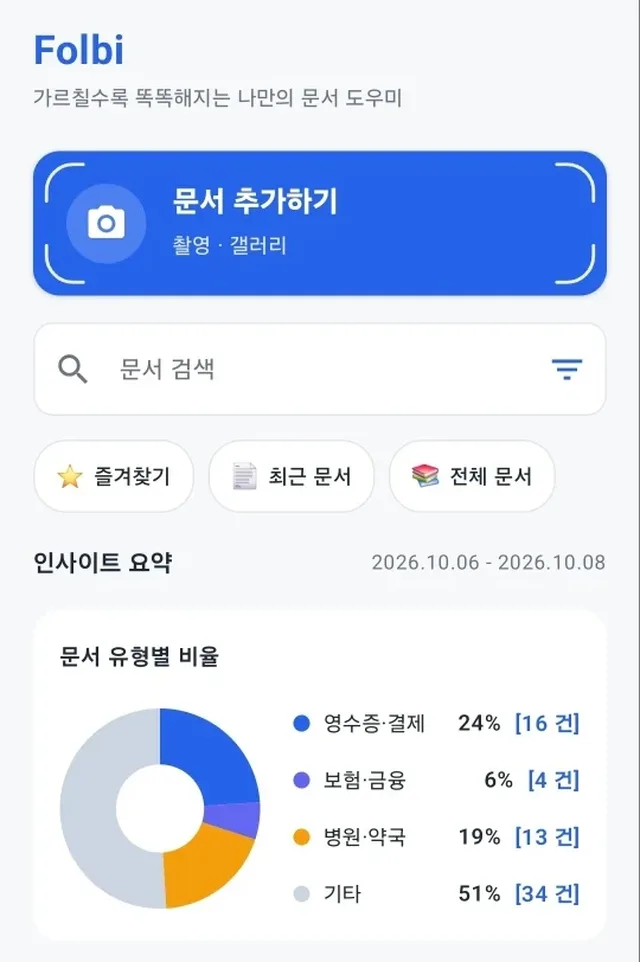
Photos and documents piling up? Organize and find them in one place.
Every time my friends and I travel abroad, we take a lot of photos—and the friend who promised to sort and send them kept putting it off for years. “When are you sending them?” “There are so many—it’s such a chore! Just wait, haha.” We joked about it every year. I first imagined an app that recognizes people in photos, but on-device limits changed the direction. Today Folbi turns photos into documents so they are easy to organize and find.


Senior Voice Keyboard
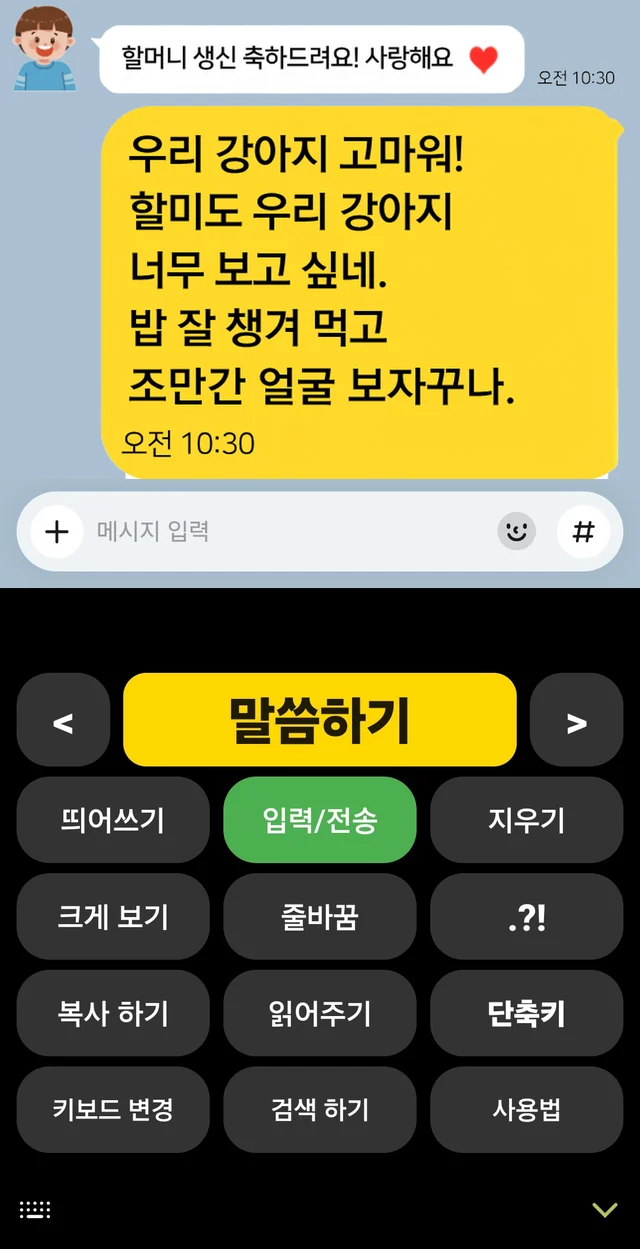
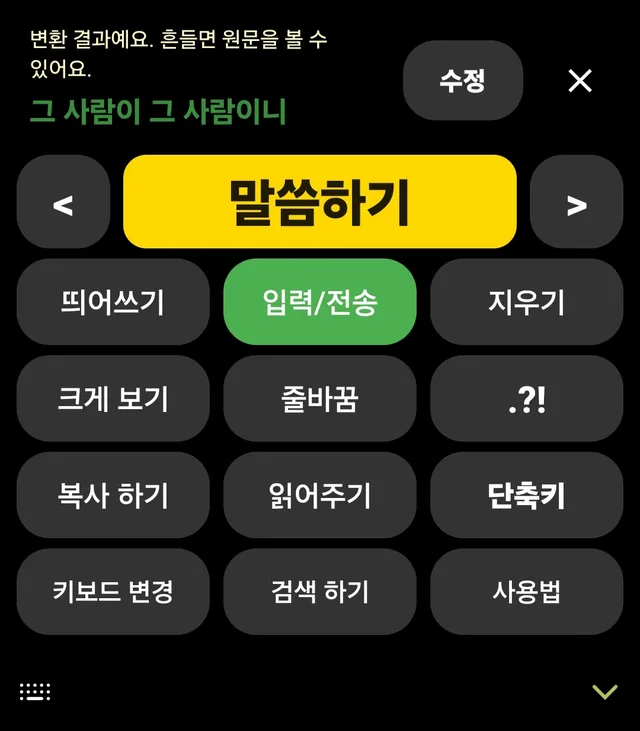
Made for my father, who found typing KakaoTalk messages a hassle: a keyboard you can talk to.
Watching my father struggle with typing KakaoTalk messages made me wonder if a keyboard could make it easier. I wanted to type by voice, and review longer messages in large text before sending. It waits longer than standard voice input, shows what you said in big letters, and can convert dialect into standard Korean.


bloomcheck
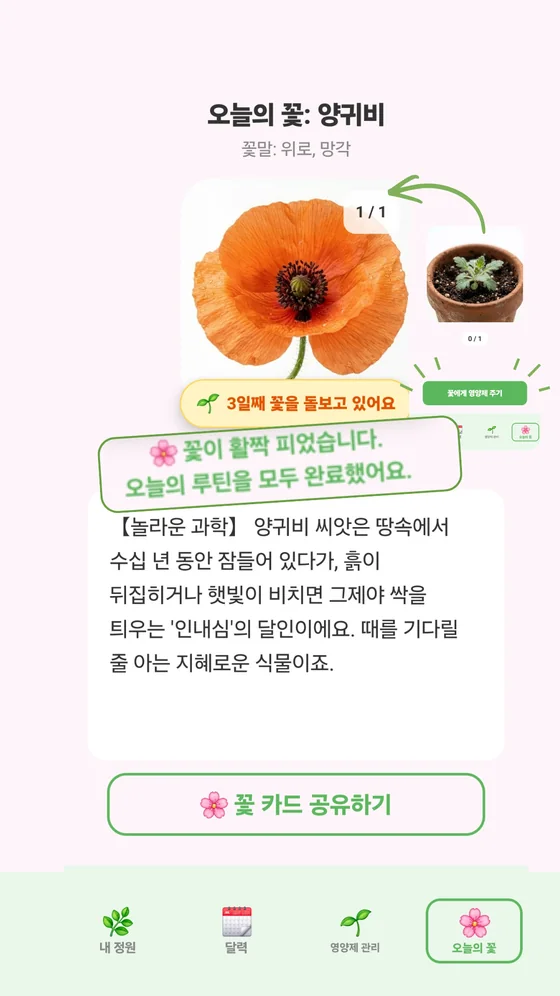
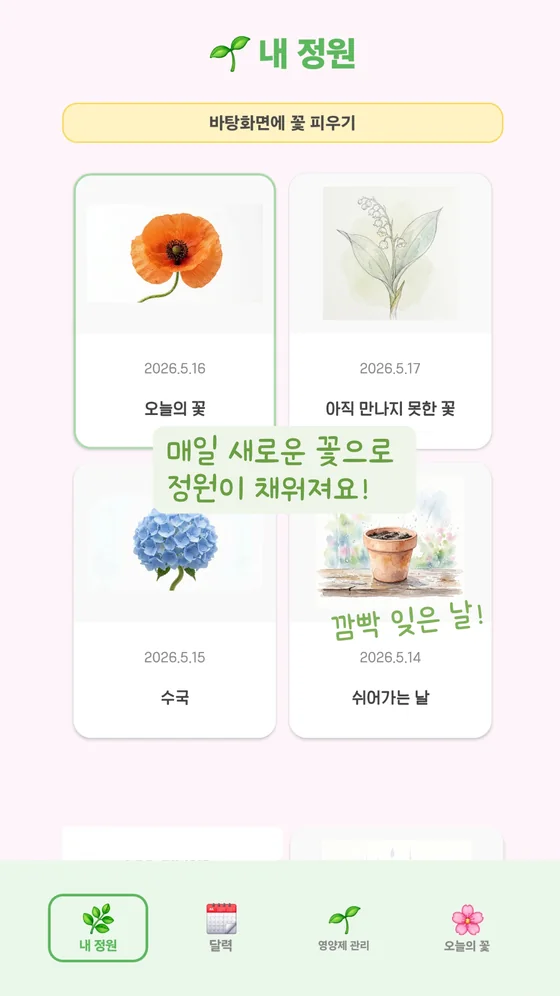
Daily supplements and routines, turned into flowers that bloom with every check-in.
It began when my mother kept losing track of what she had already taken that day. Her love of flowers inspired me to use flowers and their stories as memory cues, turning recurring routines into a garden that grows with each small check-in.

BloomCut
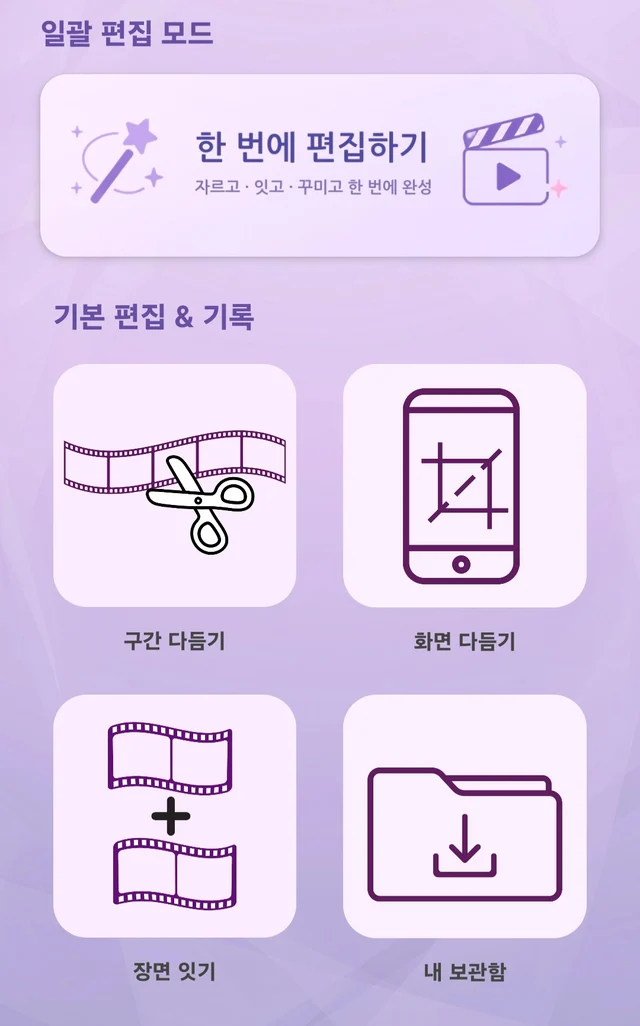
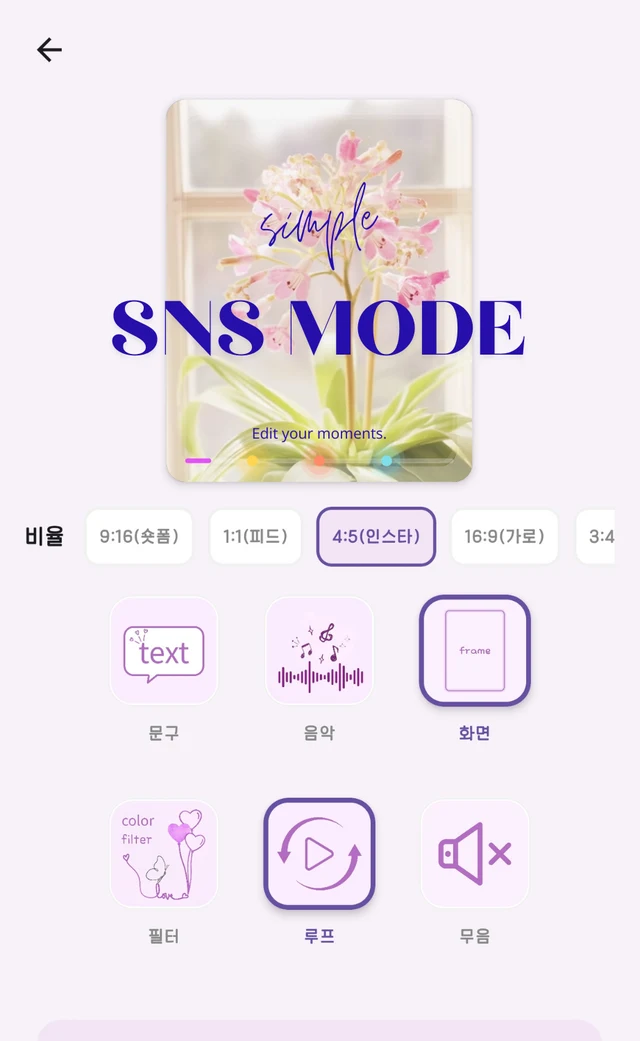
Edit videos easily—no sign-up, no watermark.
While making videos to promote my apps, I found editors that were complicated, feature-heavy, and required sign-up with a watermark—too much to start with. I wished a beginner like me could edit videos easily. That is how BloomCut began.
CONTACT / BLOOMSOFT
Feel free to get in touch with BloomSoft.